

Login
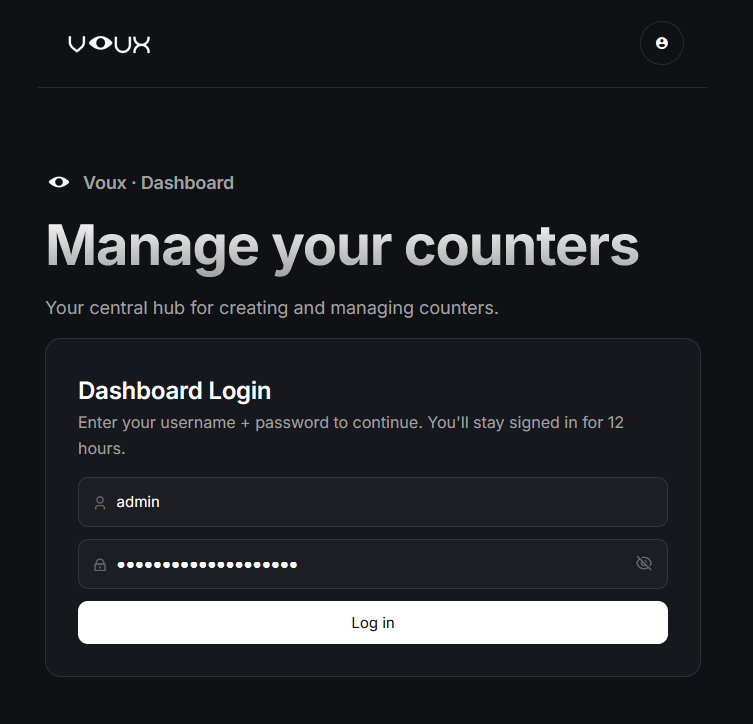
Sign in with your username and password to reach the dashboard.
Logging in
Your Voux installation will create a default administrator account with the username admin and the password change-this-password.
The first thing you will want to do is log in and change your password.
Opening your profile
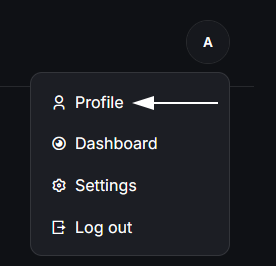
After logging in, open the profile menu in the top right and click on Profile.
Changing your password and username
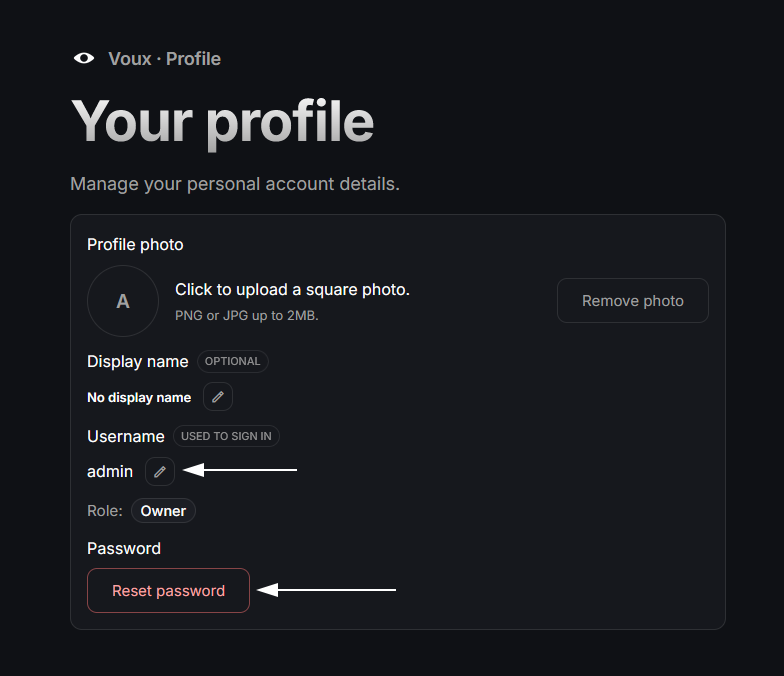
Finally, click Reset Password to change your password, then make sure to update your username as well.
Edit on GitHub
Last updated on